
PrestaShop
For the installation of payment plugin (web shop extension) offered by Fiserv you will need to follow below instructions.
The plugin cannot be installed from the PrestaShop marketplace.
Plugin Version 1.1.0
| Option | Download | Pre-requisites | Compatible PrestaShop Versions |
|---|---|---|---|
| Main Release (Recommended) | Download ZIP | PHP v8.1 or higher PrestaShop 8.2.5 or higher | PrestaShop 8.2.5+ |
| Legacy Variant | Download ZIP | PHP 7 PrestaShop 1.7 | PrestaShop 1.7.x |
The PrestaShop 8.2.5+ option is the primary release and will receive ongoing development and support. The PrestaShop 1.7 option is provided as a compatibility variant for legacy installations and it will not receive any new features.
Installing a new version typically requires uninstalling the existing plugin first and then installing the new version. Moreover, in an uninstall/reinstall scenario, the existing plugin configuration and credentials are not expected to be retained.
Install with zip file & connectivity setup
-
Download the applicable .zip file from one of the above links
-
Login into the backend of PrestShop.
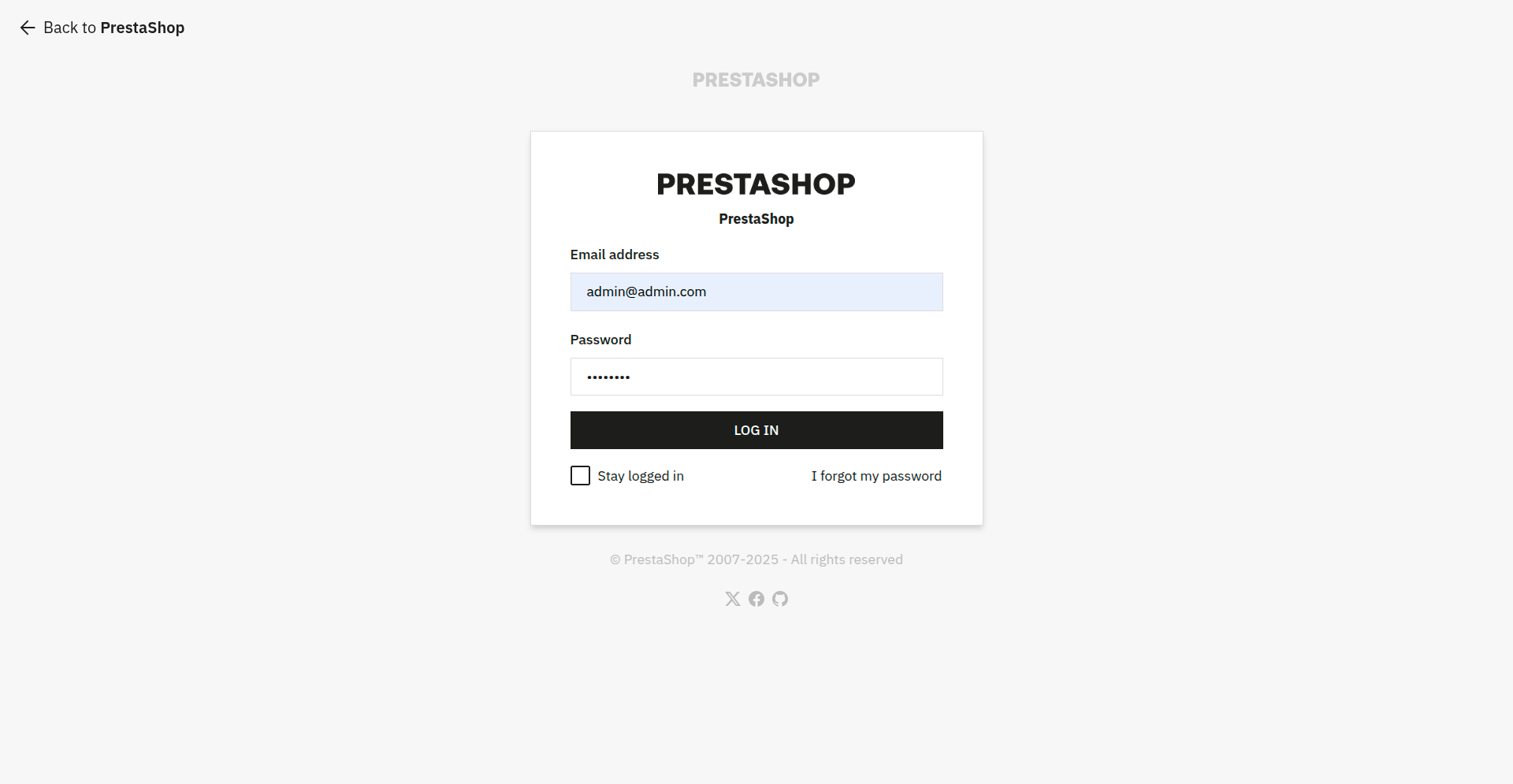
-
On left side menu navigate to
Improvesection. Go toModulesand then click onModule Manager.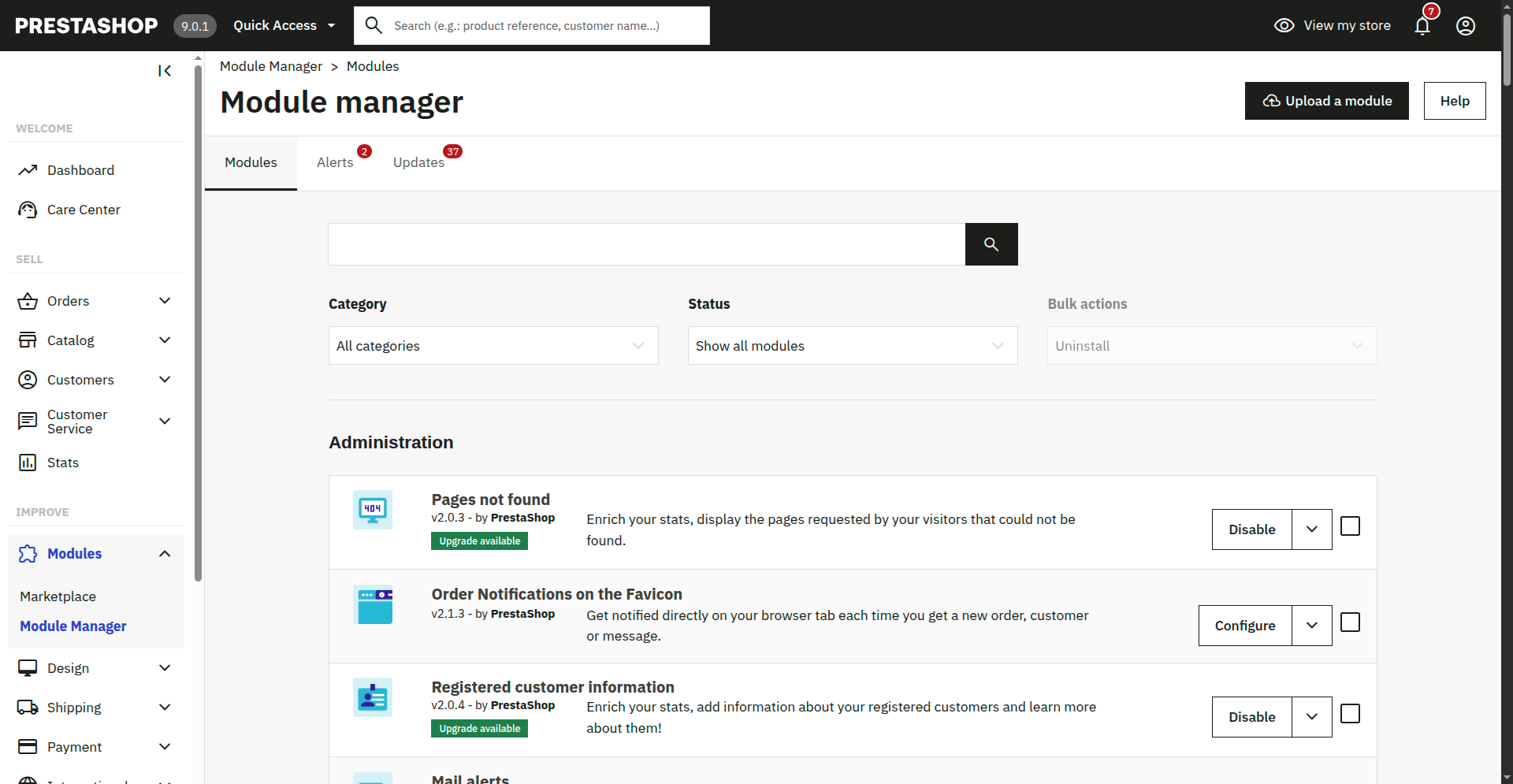
-
On top-right click on `
Upload a module. Aftwards, you can select the zip-file or drag-and-drop the file directly.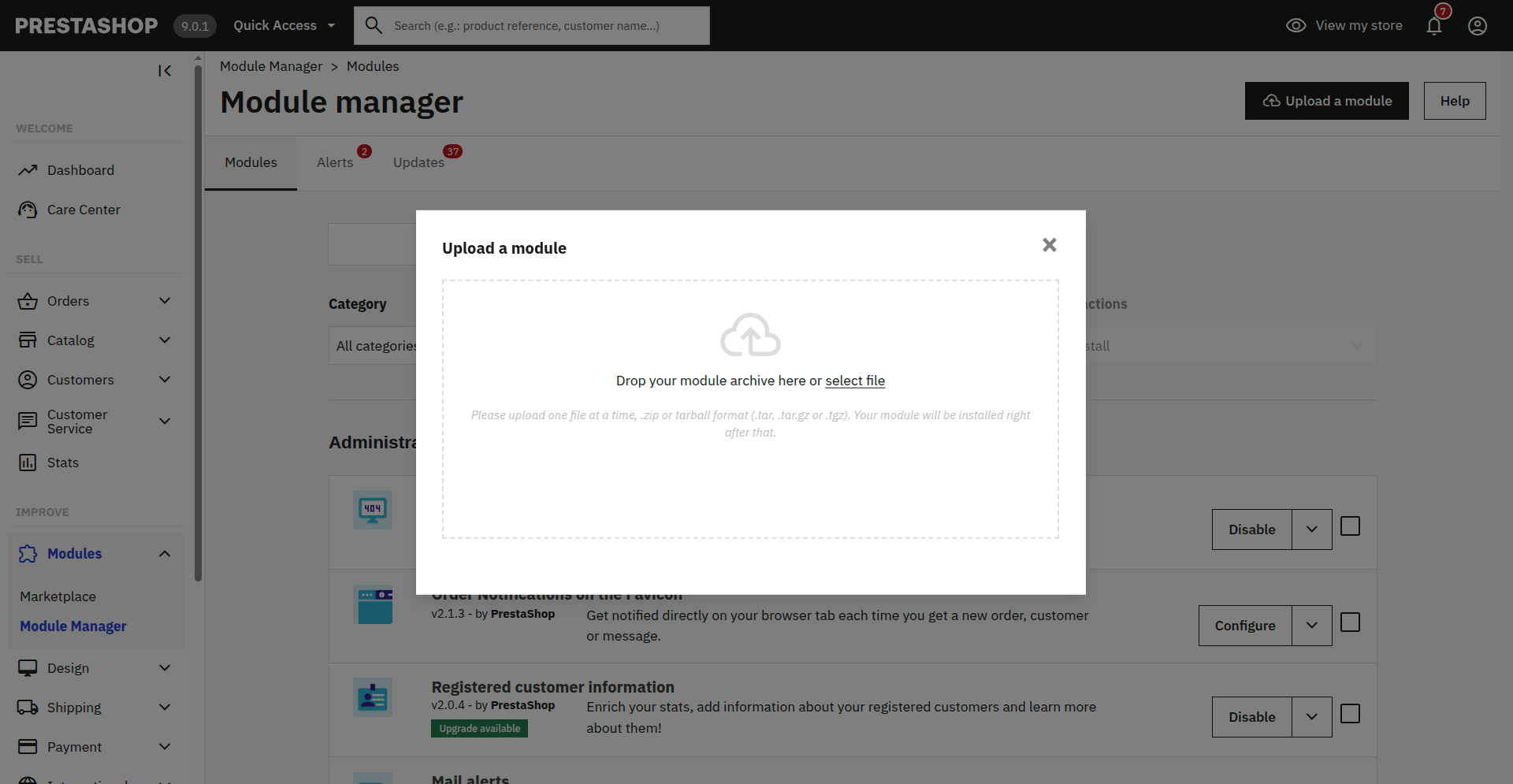
-
Once the installing process is successfully completed, click on
Configure.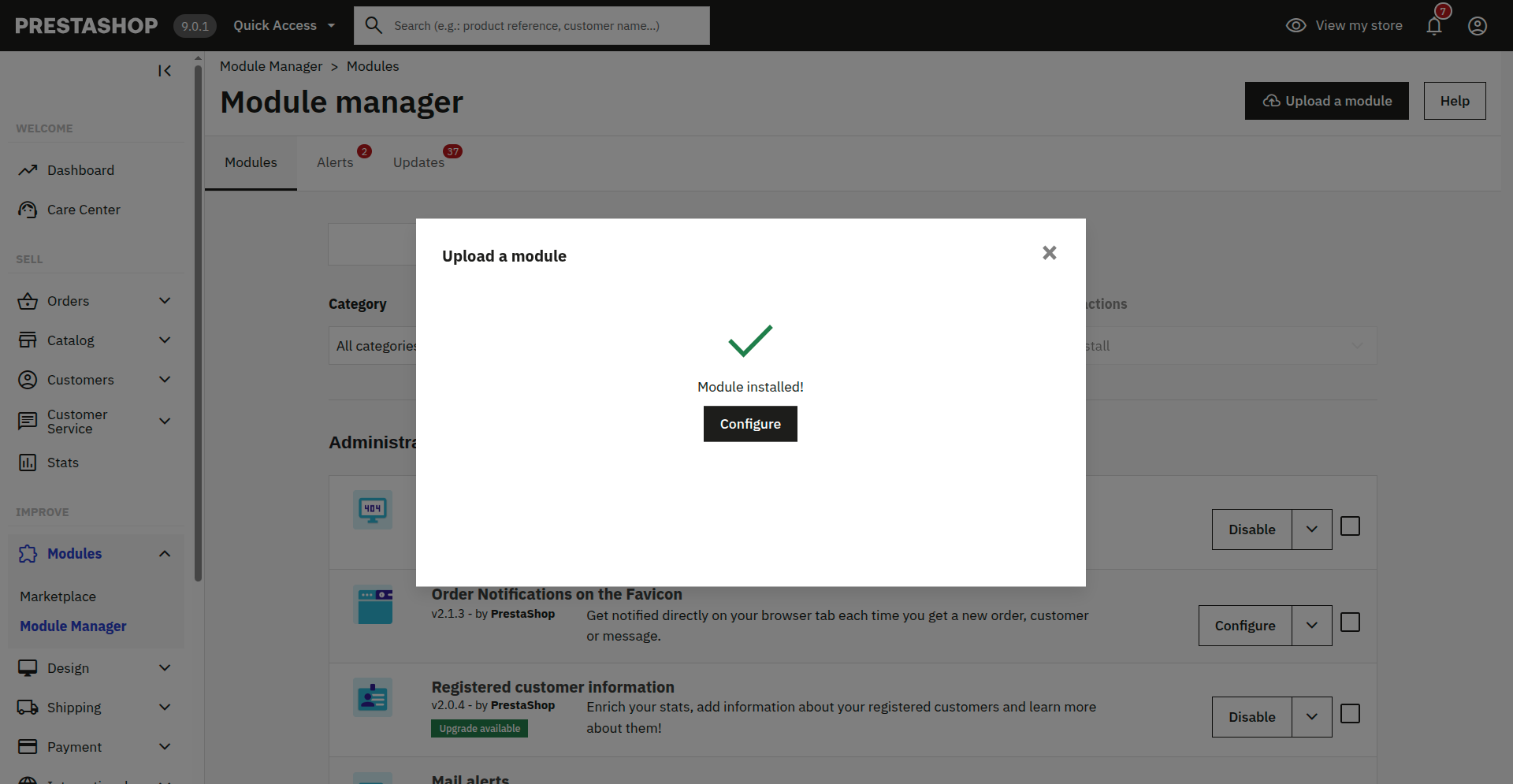
-
Choose the mode ('Sandbox' for test or 'Production' for live environment') and enter the data for the connection:
-
'Store ID' - the store ID that was created for you during registration on the gateway
-
'API Key' & 'API Secret' - Details of the API
-
Activation / deactivation of payment methods - You may also chose what payment methods will be activated. You can change the payment methods at a later point in time.
To complete the basic setup, hit the 'Save' button.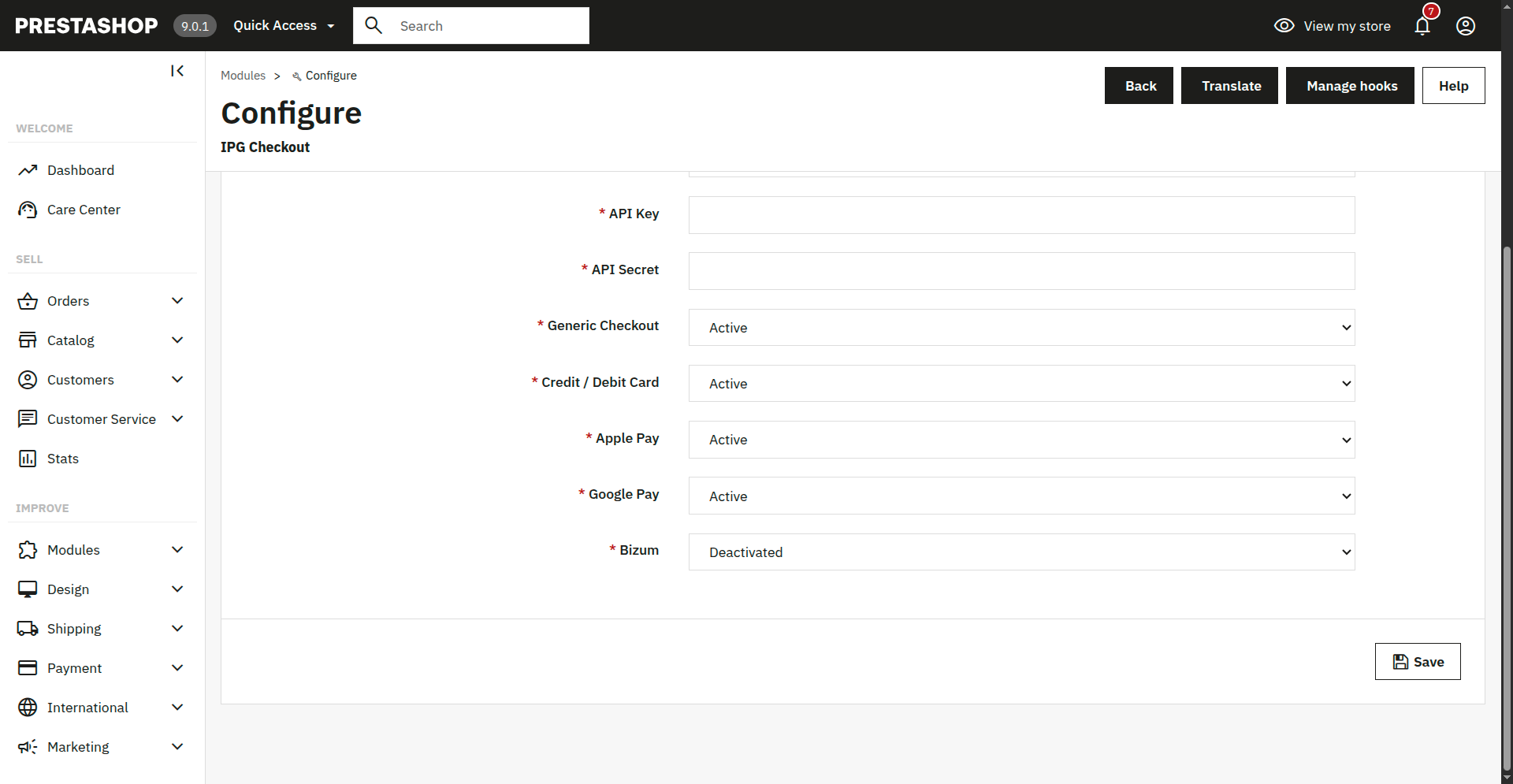
-
Configure restrictions
Next you can configure the IPG Checkout extension for your web shop.
On left side menu navigate to Improve section. Go to Payment and then click on Preferences.
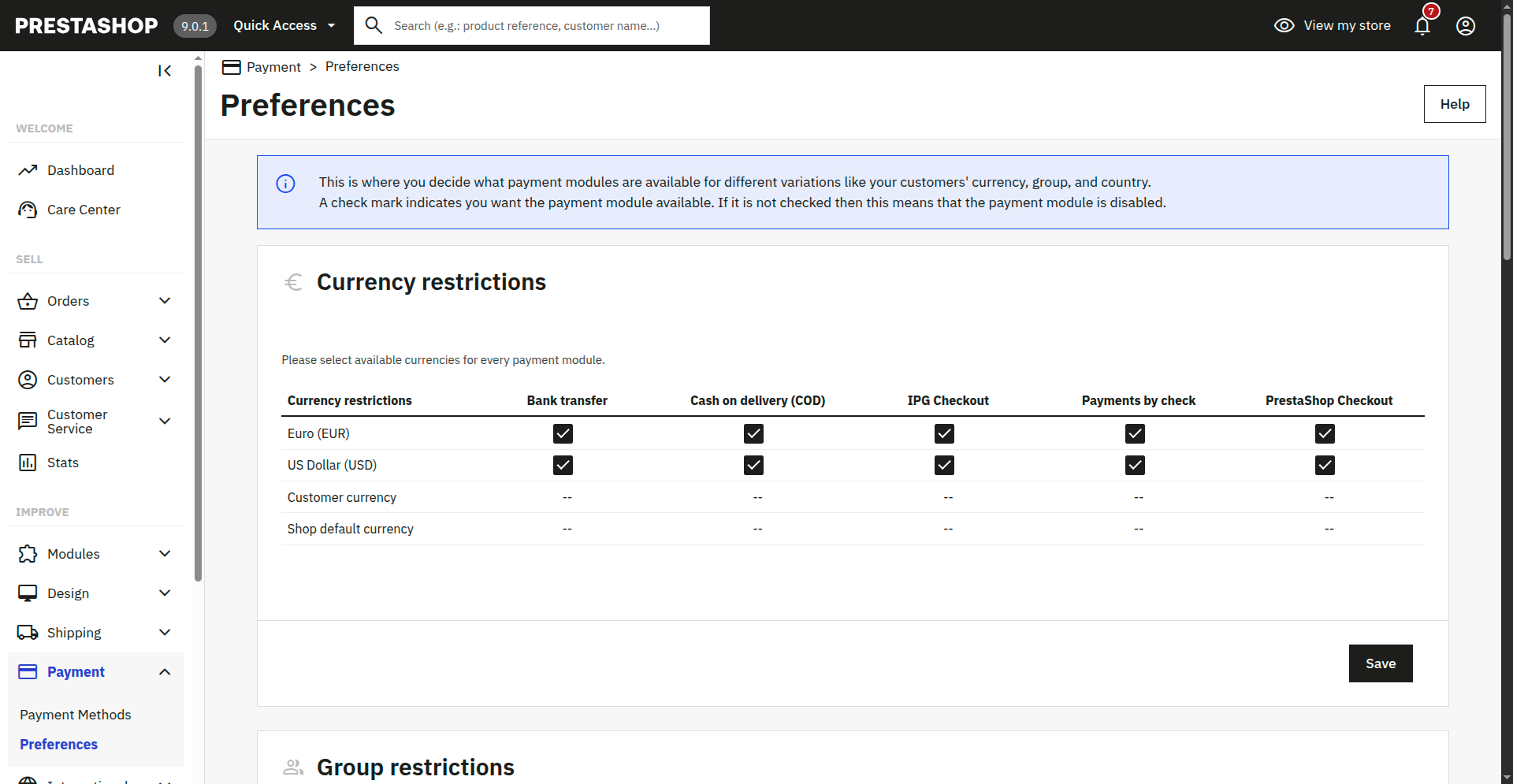
Currency restrictions
This allows you to configure or restrict the currencies.
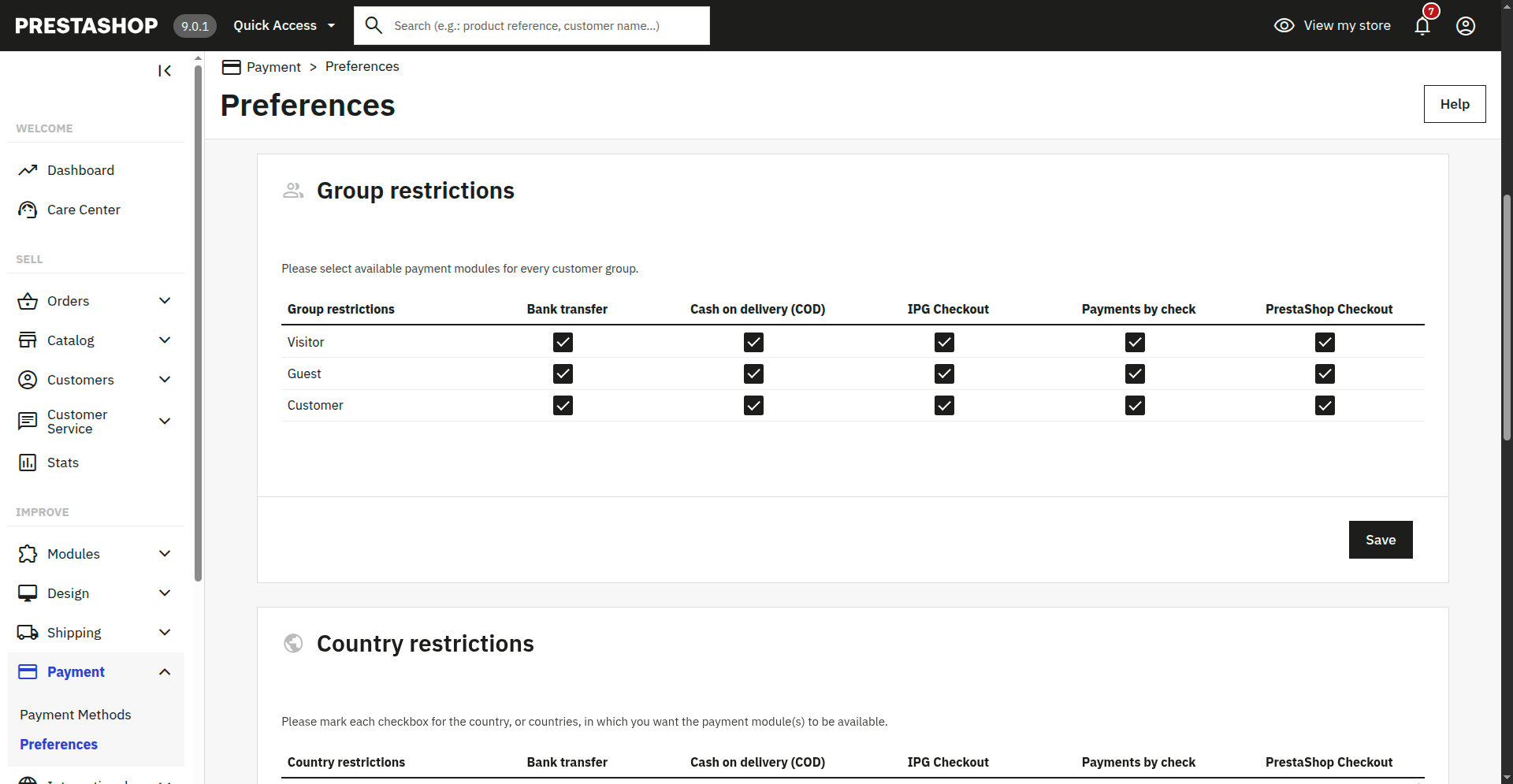
Group restrictions
Furthermore, you can limit the payment modules for to specific groups.
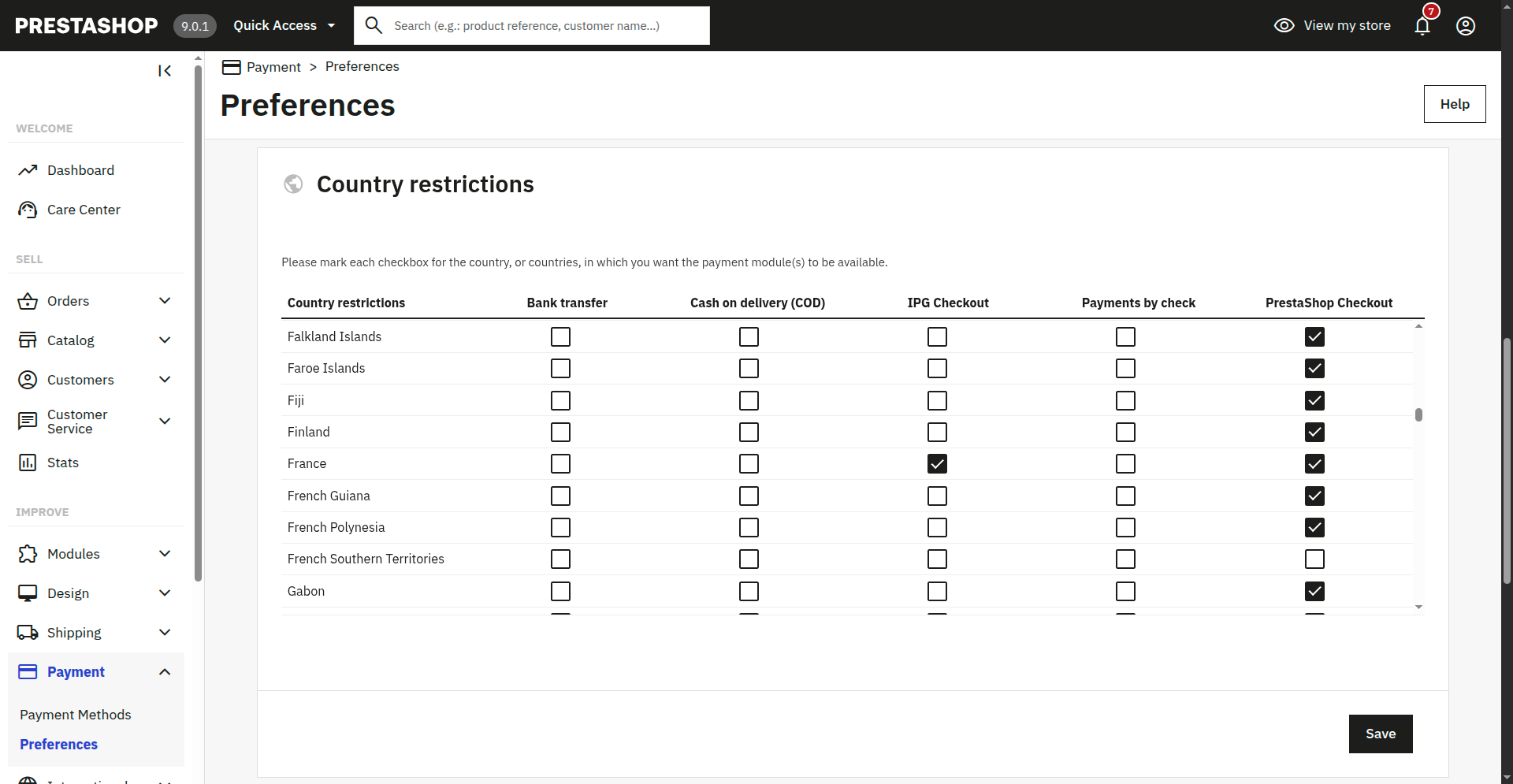
Country restrictions
You may also limit the payment modules to specific countries.
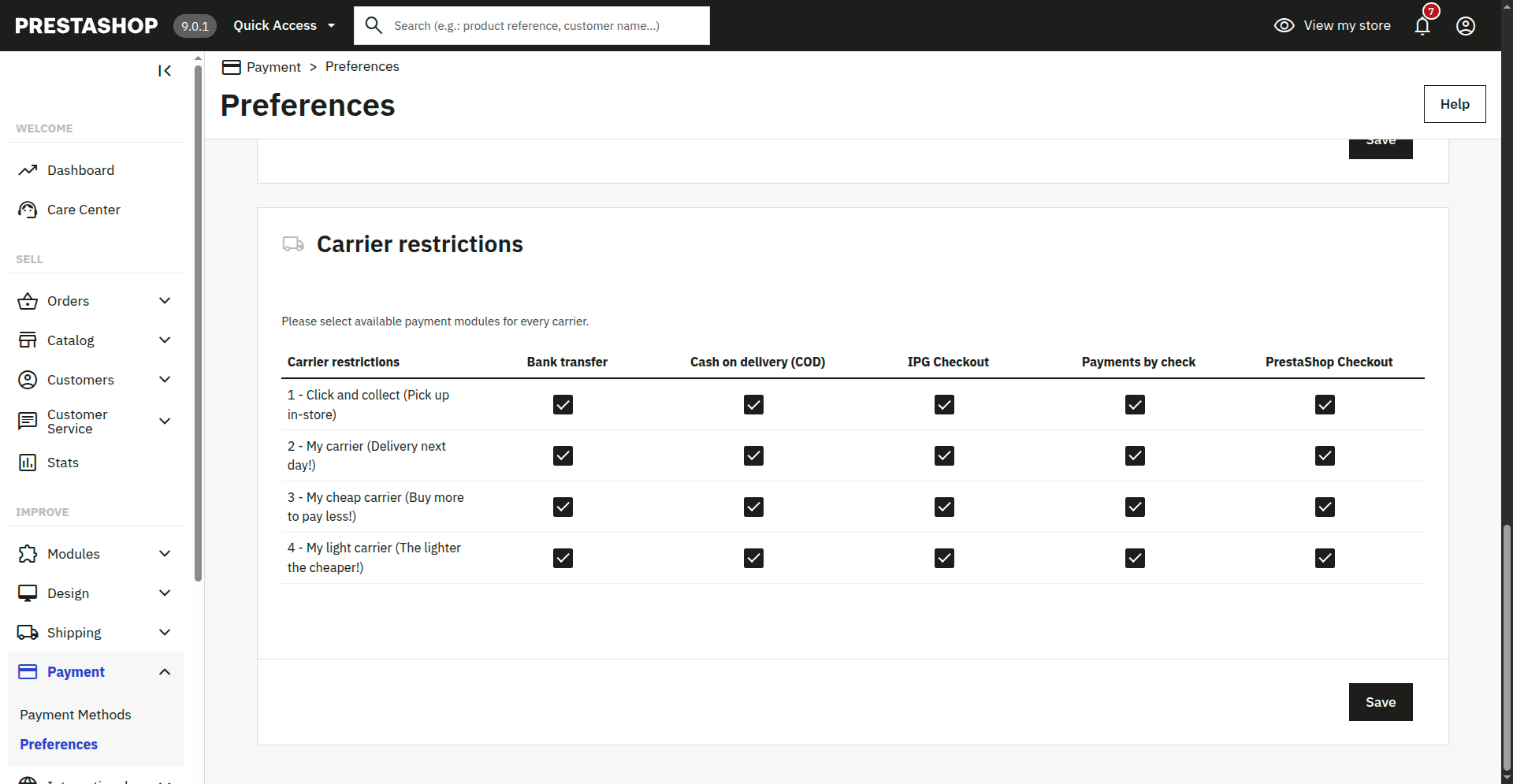
Carrier restrictions
Finally, you can choose your preferred carriers for the payment modules.
Get API Credentials
To acquire the API key and secret, create an account on the Developer Portal.
During 'Create API Key' step choose the following APIs:
- Payments API
- Checkout API
Copy and paste the acquired credentials into the ‘Settings’.
Change Log
PrestaShop System Version 8.x & 9.x
| Version | Changes |
|---|---|
| 1.1.0 (29 July 2026) | Added - Compatibility with PrestaShop 8 - Improved refund functionality - Passing of basket-level discount code information to the HPP for display - Safeguards for invalid decimal values from PrestaShop line-item price calculations - Updated dependencies |
| Version 1.0.2 (29 April 2026) | Security - Removed default variables to address false-positive security findingsAdded - Added iDEAL | Wero as a payment pre-selection option - Added localization packs for: German (DE) French (FR) Dutch (NL) Spanish (ES) Changed Enhanced refund handling for improved reliability and safety |
| Version 1.0.1 (6 February 2026) | Changed - Fixed a tax calculation issue - Masked secret keys to improve security - Corrected VAT calculation logic |
PrestaShop System Version 1.7
| Version | Changes |
|---|---|
| Version 1.1.0 (29 July 2026) | Security - Removed default variables to address false-positive security findings Added - Compatibility with PrestaShop 1.7 - Improved refund functionality - Passing of basket-level discount code information to the HPP for display - Safeguards for invalid decimal values from PrestaShop line-item price calculations - iDEAL | Wero as a payment pre-selection option - Localization packs for: German (DE) French (FR) Dutch (NL) Spanish (ES) Changed - Enhanced refund handling for improved reliability and safety - Fixed a tax calculation issue - Masked secret keys to improve security - Corrected VAT calculation logic |
Updated 18 days ago
