
Card-on-File (Gateway Tokenisation)
Tokenisation for Credit and Debit Cards (via MOTO)
You can save your end-consumer credit card on file using Virtual Terminal's token generation capabilities.
You can request a token generation with using "Credit/Debit card" button during a standard "Sale" processing.
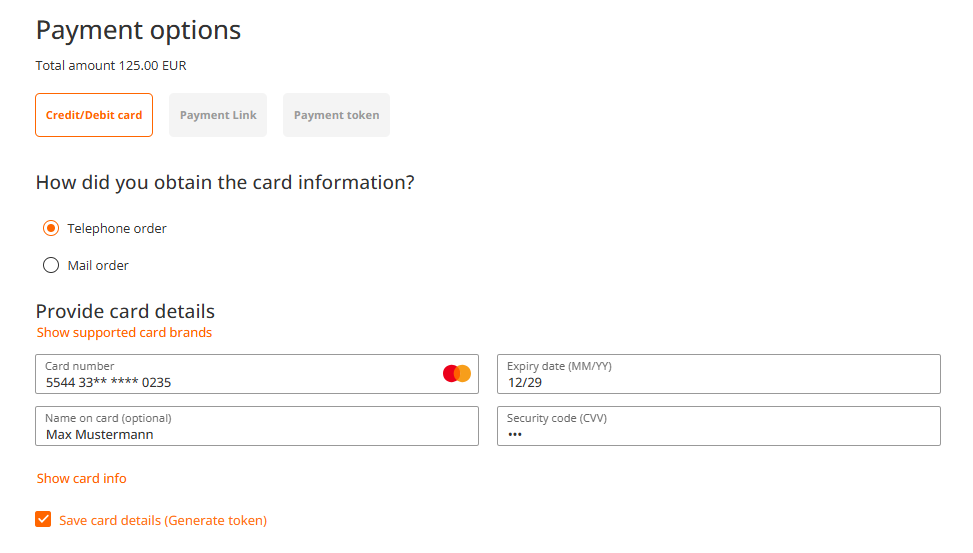
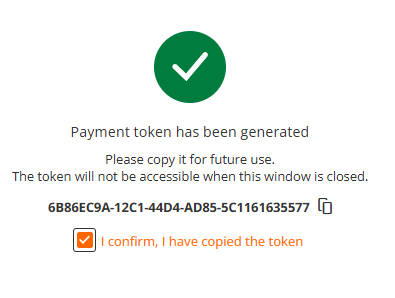
After you entered card details and clicked on "Save card details" checkbox, in case the transaction was approved, you will be presented with a screen showing generated token associated with this credit card. Please ensure, that you copied the token safely before proceeding.
Tokenisation for Credit Cards using Payment Link (via ECI)
If your business is located in EEA, you must comply with PSD2 requirements and obtain cardholder's consent for saving their credit card on file. One of the options how to verify cardholder identity is through Strong Customer Authentication (SCA), what is possible while invoking 3-D Secure during token generation request.
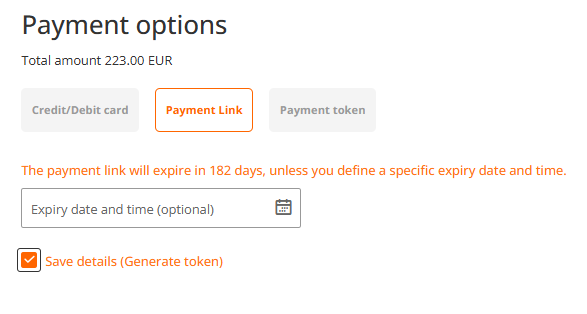
You could proceed with generating a payment link as usual, and whenever you wish to tokenise the card during the payment, you click on "Save details (Generate token) checkbox and proceed with payment link generation.
After you copied a payment link and your client has been successfully authenticated, you will be able to locate generated token through "Transaction" search, located in the main Virtual Terminal menu.
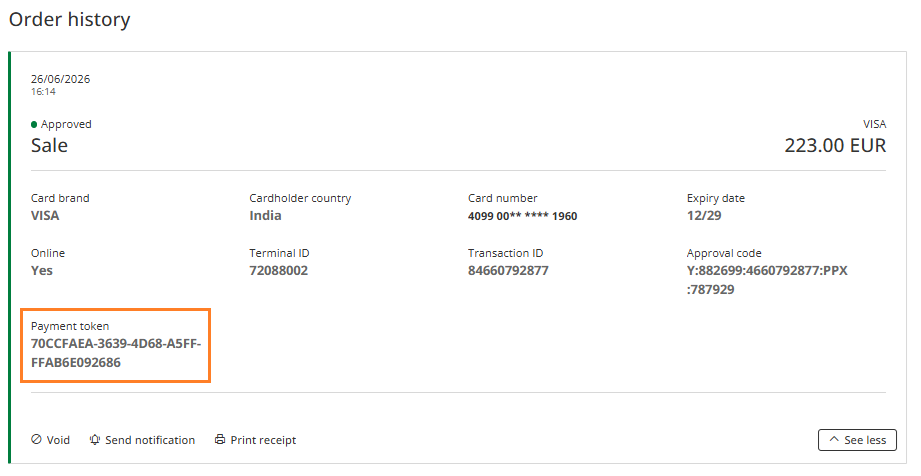
Once you identified the processed transaction, please click on "See more" tab in Order history:
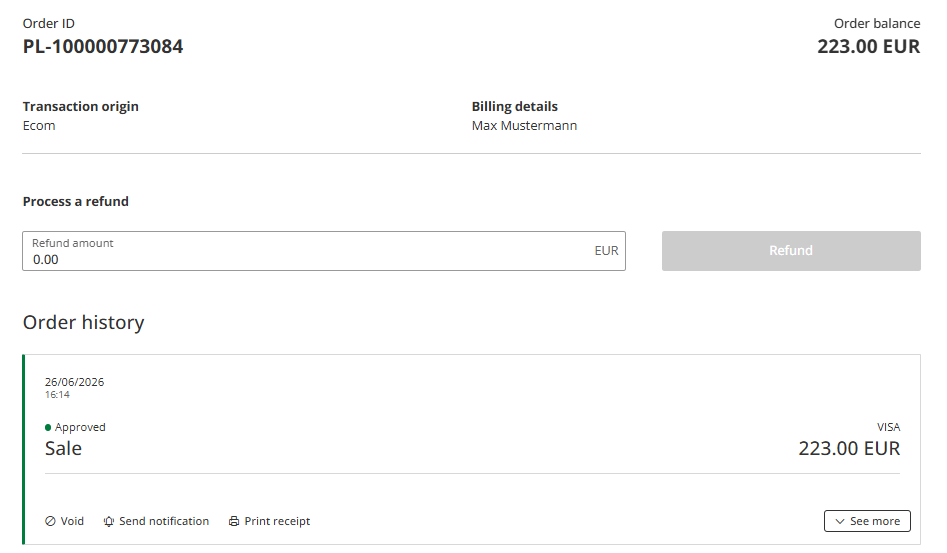
Payment token is included in the Order history only in case the payment and cardholder authentication has been successfully completed.
Initiate a transaction using a token
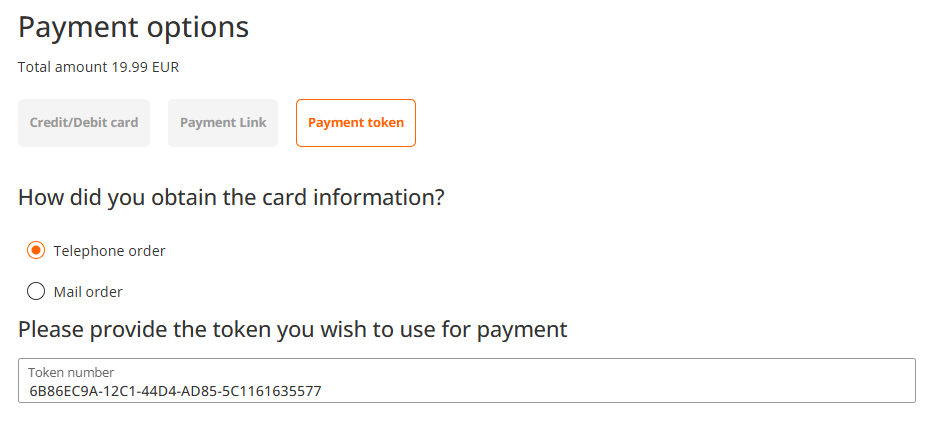
You initiate a new 'sale' transaction as per usual process (see sale). You select "Payment token" from Payment options and enter saved token.
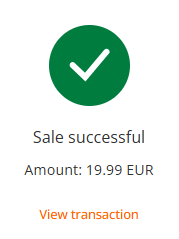
Once a transaction is processed successfully, you will be provided with a confirmation:
Updated 3 months ago
